Your listing was approved. How do you prepare for your first booking?
Has your listing been approved? Before the first booking, check what guests see and make sure you are ready to respond and arrange check-in.
Check your listing before opening dates
- Open the public listing. Check the map, photos, capacity, house rules, check-in time and any security deposit. Select dates and a guest count to see the price for that stay.
- Check the calendar. Close dates that are already occupied or when you cannot host. Check rates and minimum stays for open dates. If your calendar is synced, update it at the source and check the result on Dobovo. How to update your availability calendar.
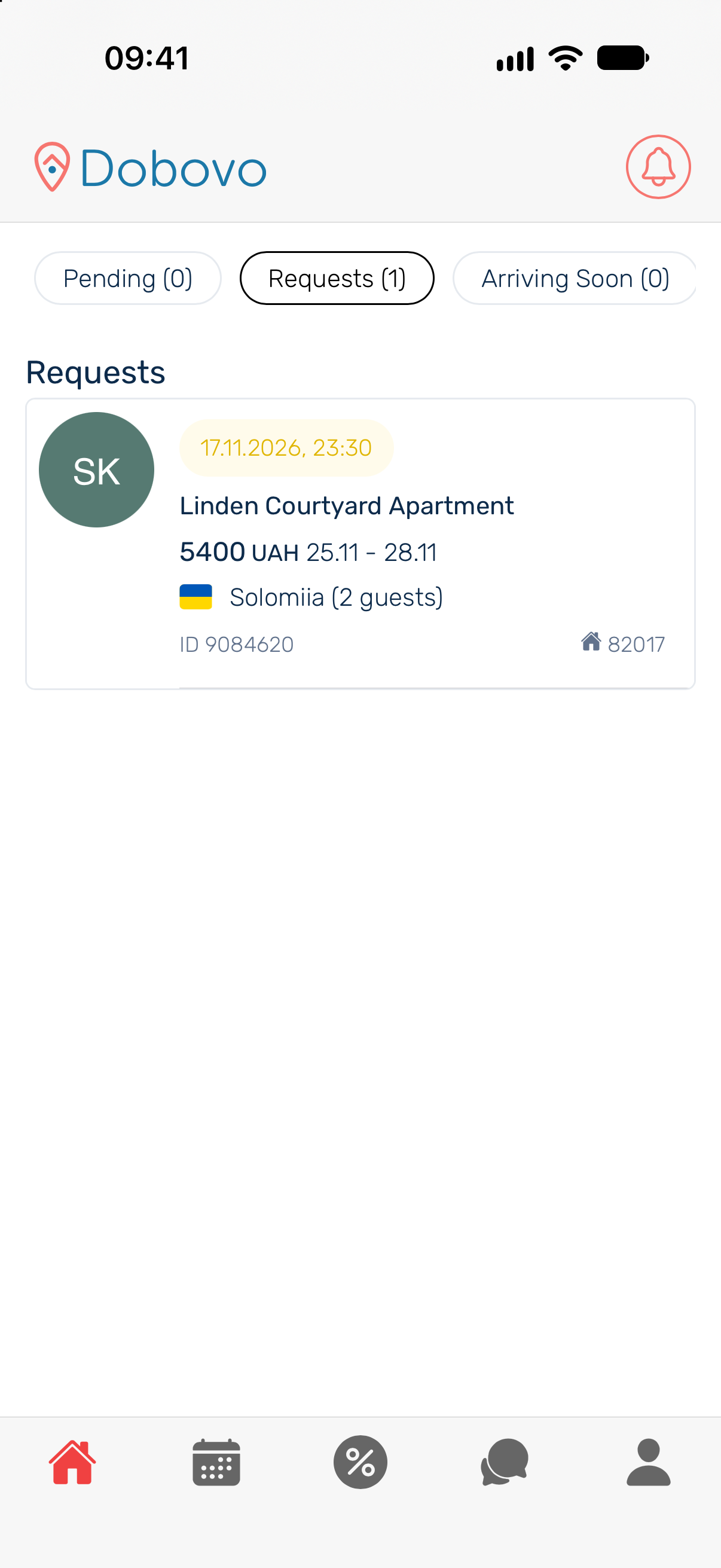
- Choose a booking mode. If you can accept bookings at the published rates and dates, check your instant booking settings. If you need to confirm availability first, use On request and respond by the deadline shown on the booking. How to set the booking mode.
- Check notifications and payout details. Enable the notifications you want in the app and in your phone settings. In your profile, open Payout methods and check the selected method and saved details. App notifications · Payout settings.
When your first booking comes in
Open the booking and check its status. If you need to respond, check the property, dates and guest count and follow the action shown. Once the booking is confirmed, agree on check-in time, key handover and the amount due with the guest. Which bookings need the owner’s action.