Why aren’t my updated House Rules showing on the website yet?
After you add or change additional House Rules text, it is reviewed and language versions are prepared before publication. Saved text may therefore appear in your account before guests can see it on the property page.
How publication works
The content team checks that conditions are clear and accurate, prepares translations and publishes the agreed wording. Public additional text appears when its translation is available for the relevant language version. Check the particular language in which you open the page.
Processing takes some time and depends on the team’s workload and any clarifications needed. Saving text or sending a request does not mean review and publication are already complete.
Text and separate rule fields
Check-in/out times, deposit, documents, pets, smoking, parties and child policies have separate settings. Additional text explains special arrangements, charges or stay procedures. These are different parts of the rules: updating one does not automatically rewrite the other.
Save available structured settings on the first web editing step. To change existing additional text for an approved apartment, send the final wording through Contact us at the bottom of the form or to your personal manager. If the additional field was previously empty and is available for entry, add the text and save; publication still requires the appropriate preparation.
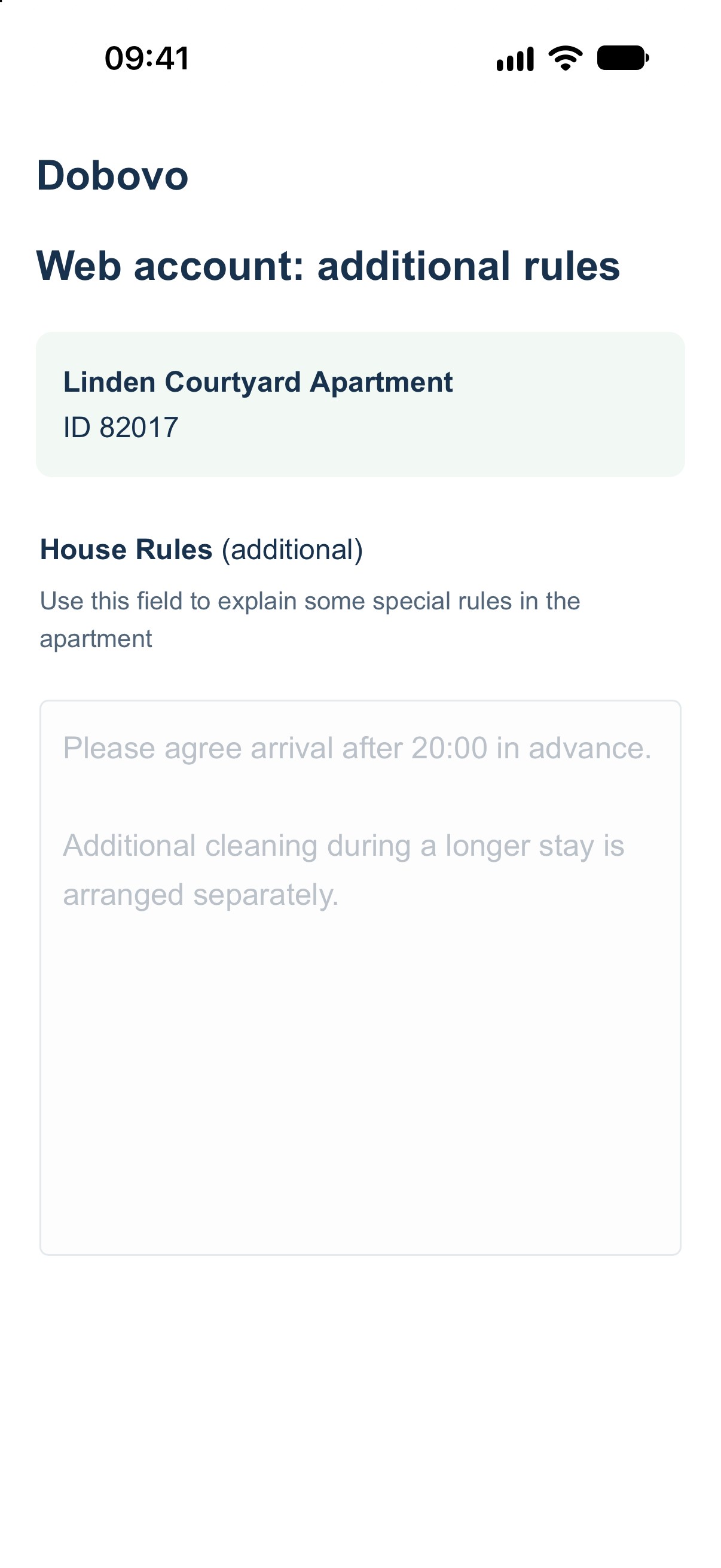
The iPhone 18 Pro screenshot shows a web-account fragment with existing additional text for a fictional approved apartment. Updates to this text go through the content team.
What to do after saving
- Confirm the correct property by its title and Dobovo code.
- Check exactly what changed: separate settings, additional text or an alternative key-collection address. The latter may also need language preparation.
- Open the public property page and review House Rules in Ukrainian and English. Compare times, amounts, permission settings and additional explanations.
- To ask about processing, send your manager the property code, request date, final wording and the page language you checked.
Do not add the same already saved or submitted text again. If you need another correction, clearly identify the final version. This helps the team process one consistent wording.
Read more about completing House Rules and updating an approved apartment.

