I did not get my confirmation or cannot see my booking. Where can I find it?
If you did not receive a confirmation or cannot find the booking, check its current status first. The confirmation email and PDF voucher are available for confirmed bookings.
Where to look for your booking
- Sign in to the profile you used to book. Open My bookings and select the all-bookings filter. Check the booking number, dates and property name.
- If you booked without signing in, use the link from the Dobovo message. With the booking number and PIN, you can also add the booking to your account.
- If you find the booking, open it and check what its status means. While it is waiting for an owner response or prepayment, follow the action displayed on the booking.
How to get the confirmation again
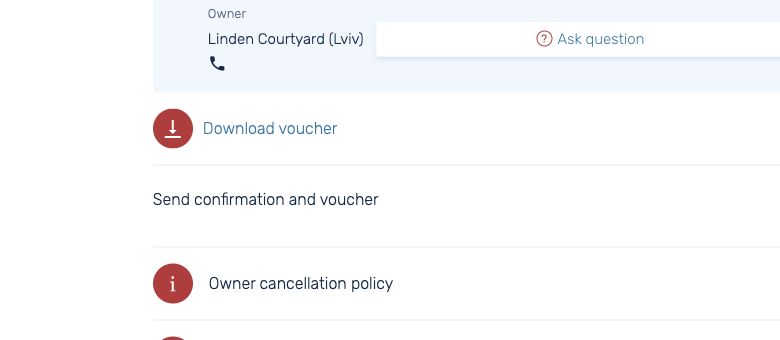
Open the details of the confirmed booking. If the option to resend the confirmation is available, select Send. Check the email address on the booking and your spam folder. The email goes to the address already on the booking. You can also download the PDF voucher directly from the details.
If you have no email, PIN or access to the email address
Message Dobovo support. Give your booking number if you have it and briefly describe what happened. If you no longer have the number, provide the city, dates and property name to help locate the booking. If your bank already charged you, check the payment before making another attempt.

