How to add apartments to the Expert program in a mobile application?
In the More section of the Dobovo.com mobile application, we selected a number of opportunities which you can easily use to manage your finances and improve the indicators of the work to Expert level.

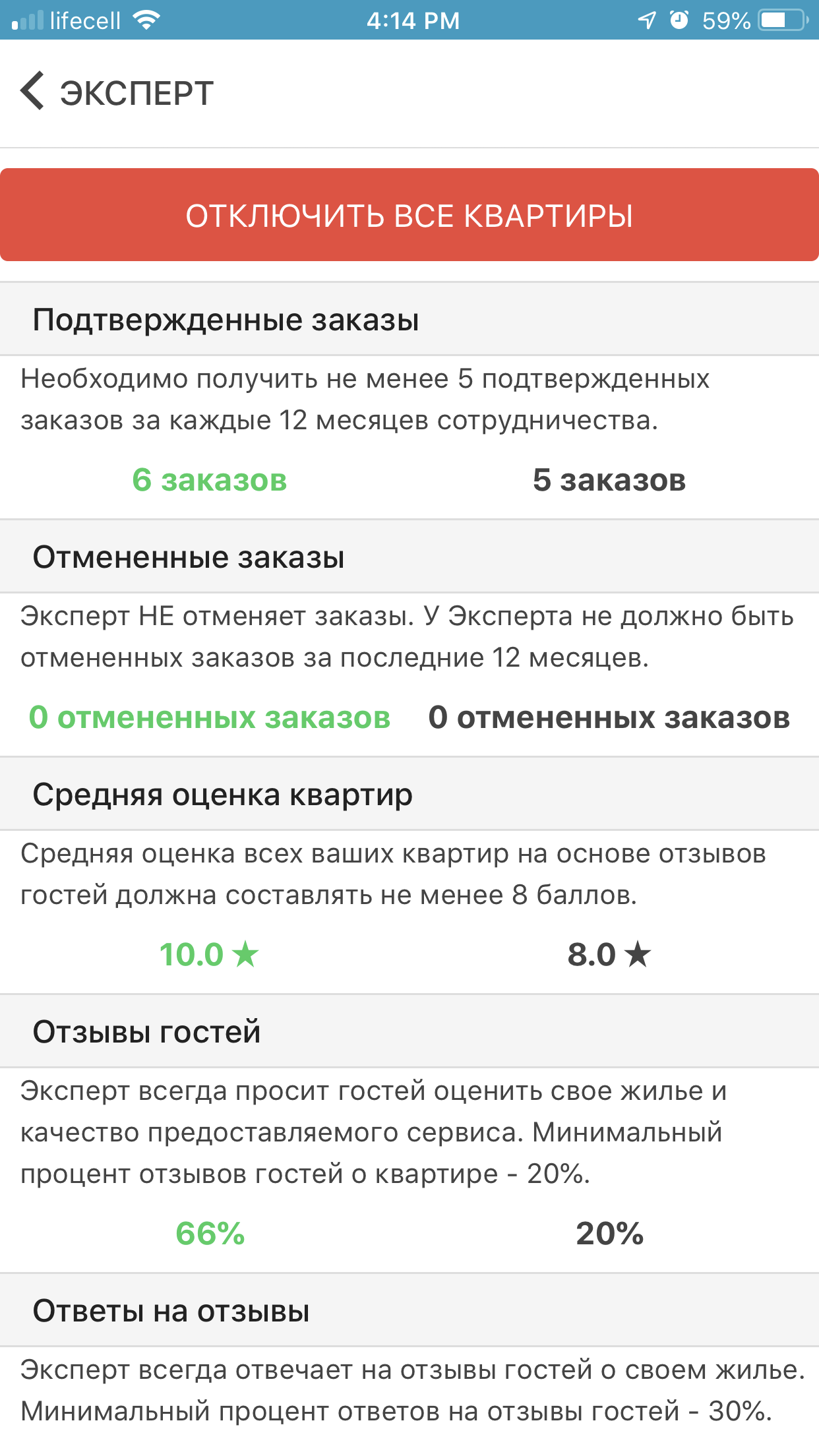
You can check your progress in the program in the EXPERT section:
– the conditions for participation in the program displays on the right;
– your current result is displayed on the left.
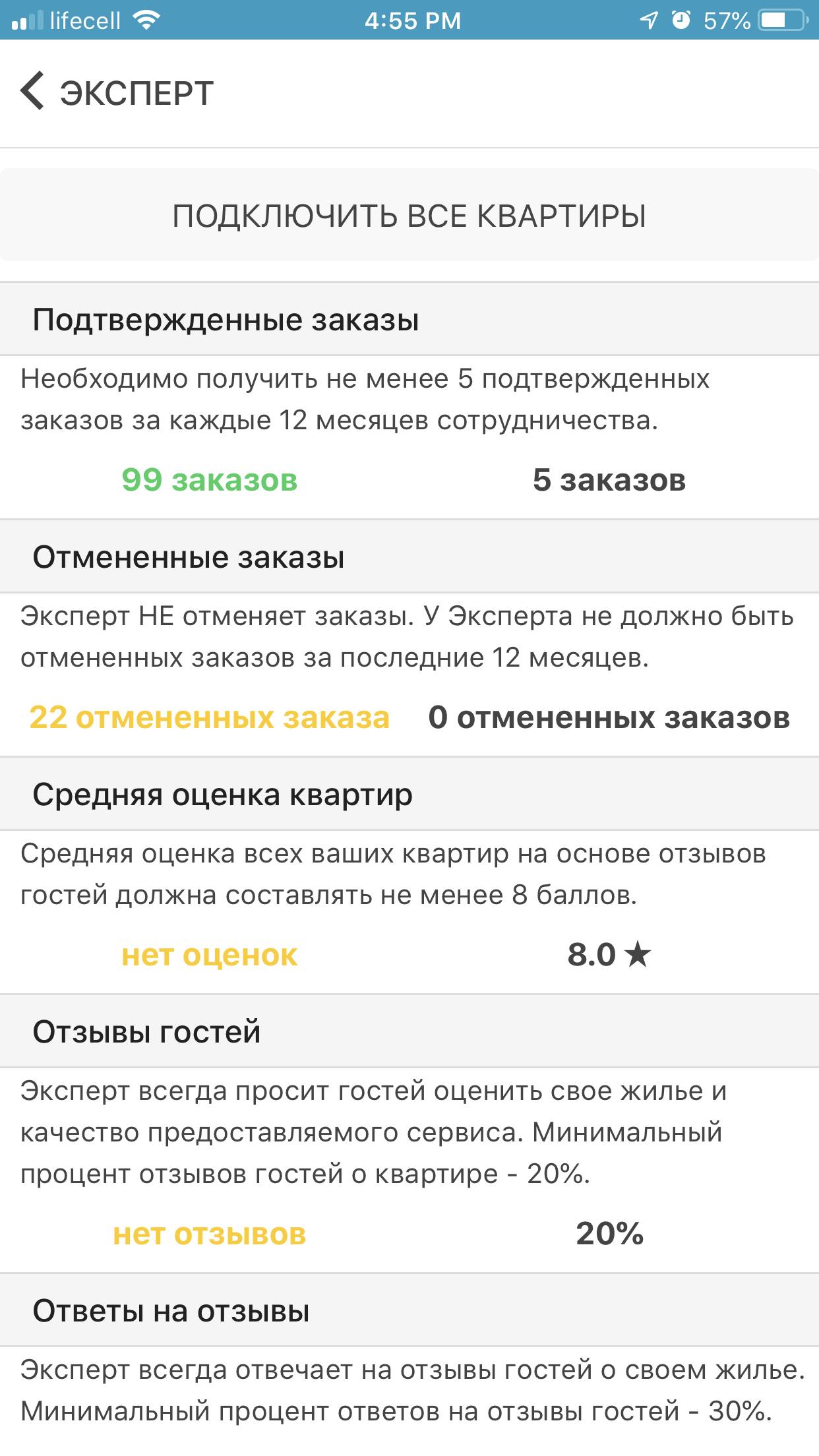
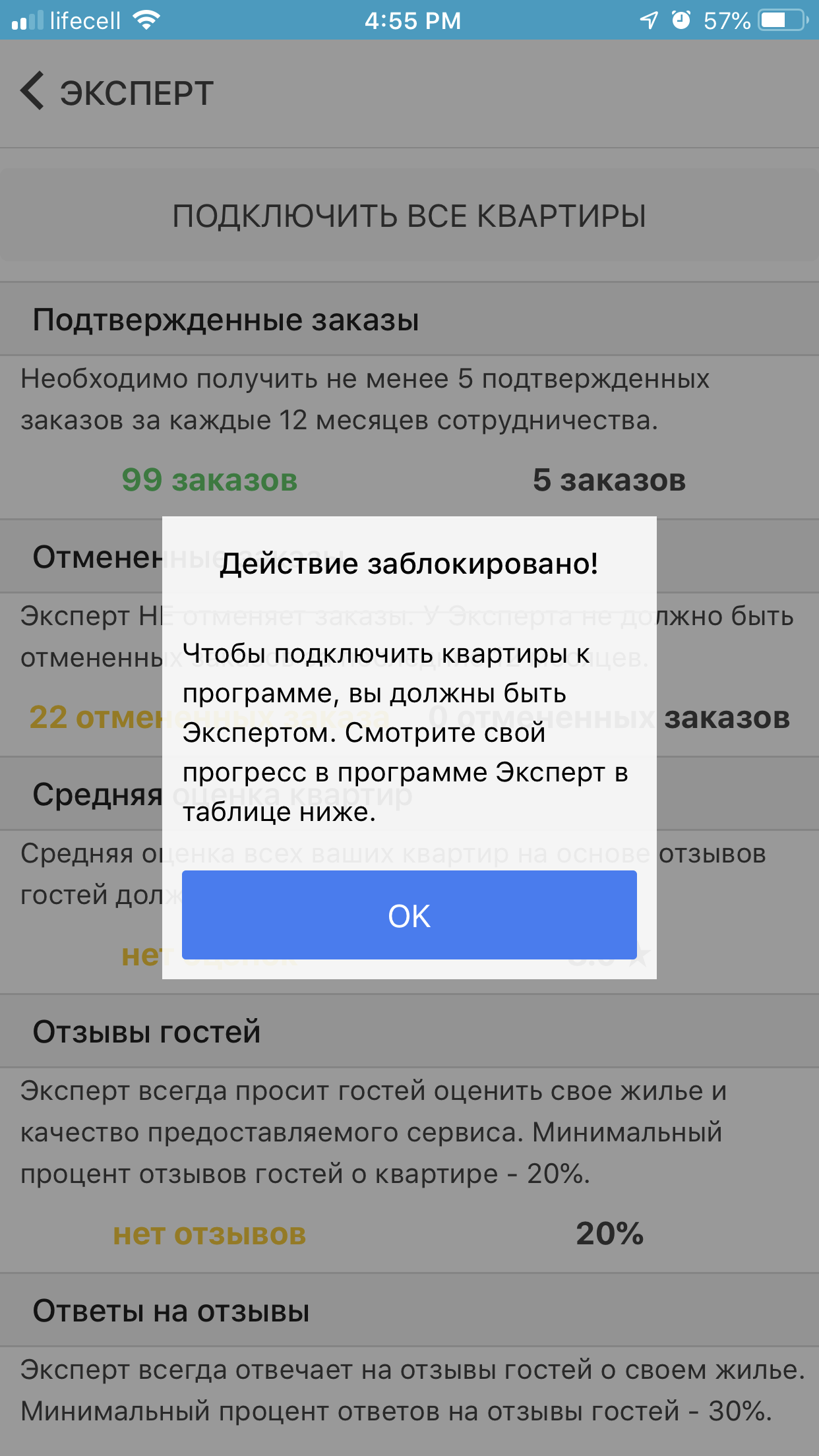
You will not be able to add the apartments to the program until all the Expert conditions are met:
If your results fully meet the Expert conditions, you automatically become an Expert on Dobovo and you have the opportunity to add all the apartments to the program. To do this, click the Add all apartments button at the top of the list: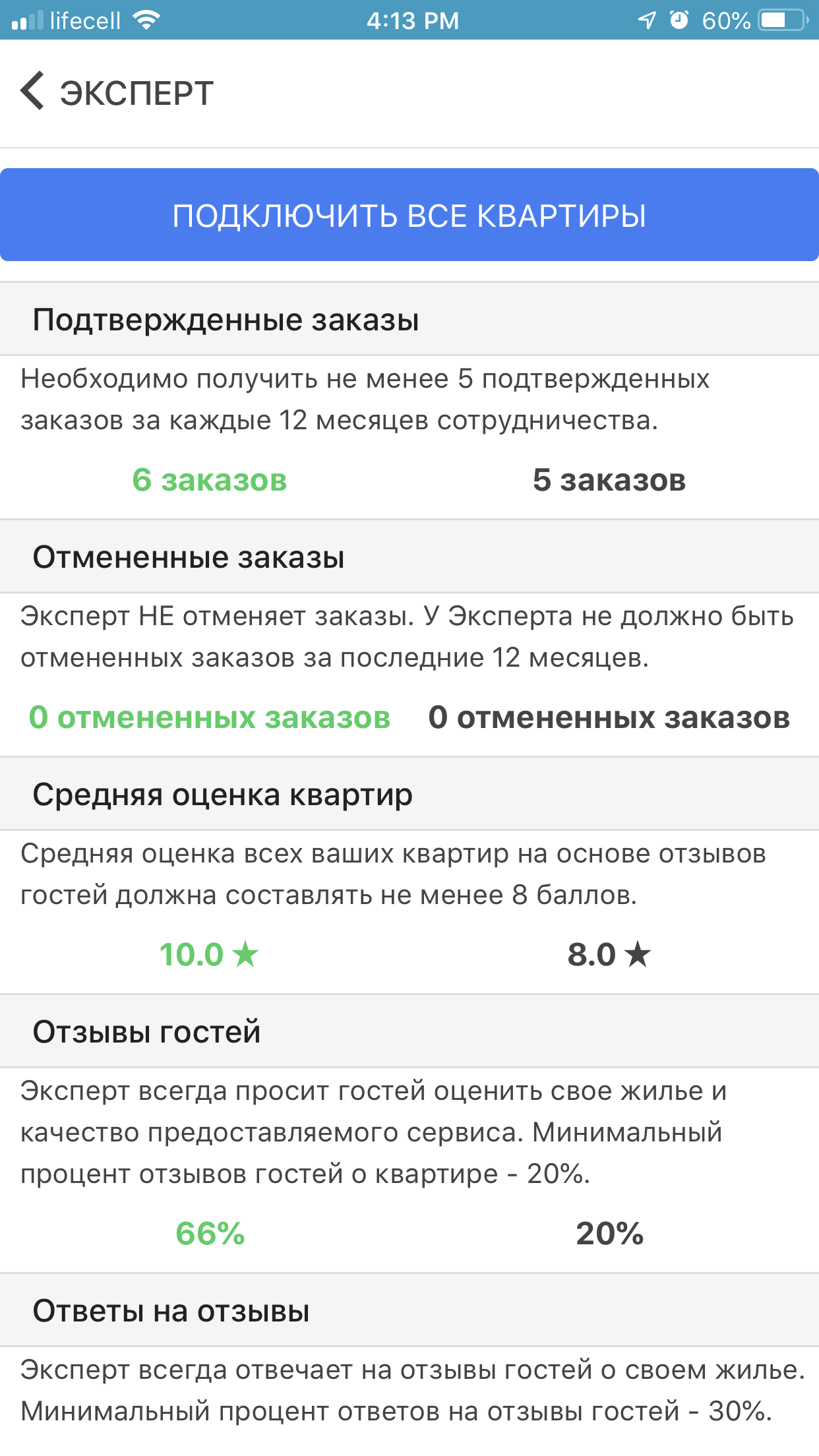
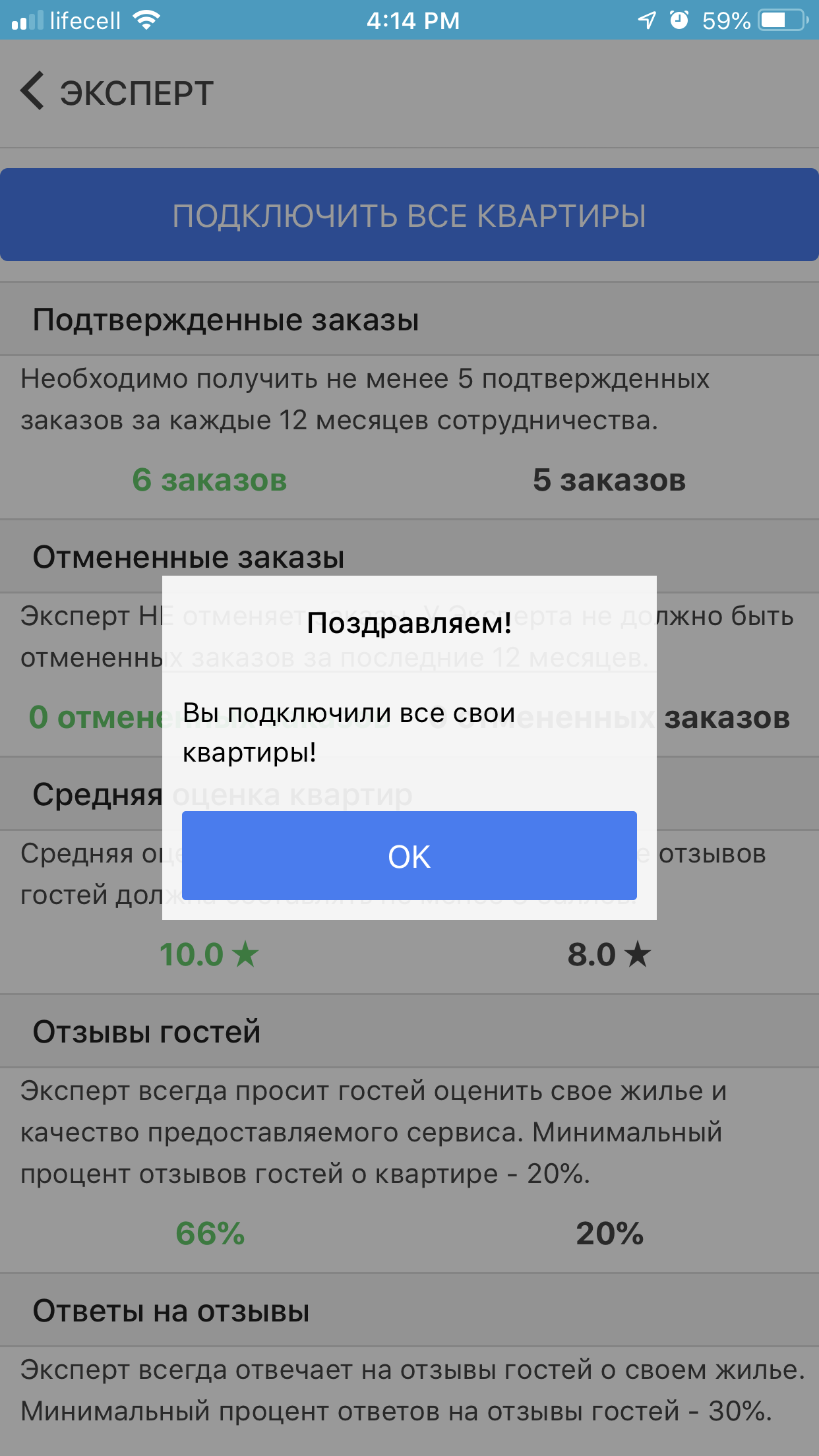
You will see a notification that all your apartments are added to the program after pressing the button:
You can disable all your apartments from the program by clicking the Disable all apartments button at the top of the list in the same section:
Read here how to add to the program only some apartments.


