How to cancel a pending order using a mobile application?
If for some reason you cannot accommodate a guest in an apartment, you have the opportunity to cancel a pending order by using the Dobovo mobile application.
To do this, open the pending prepayment order and click on the Cancel temporary reservation button at the bottom of the page:
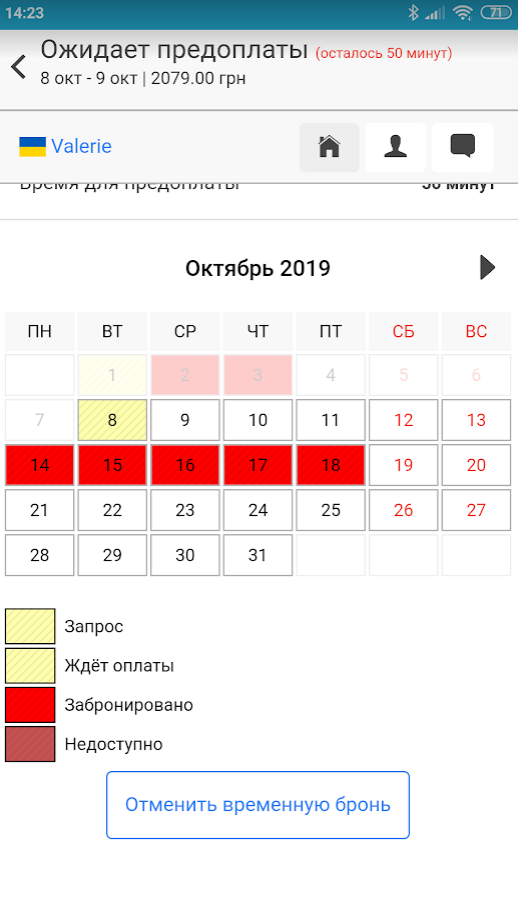
Then confirm the cancellation in the pop-up window: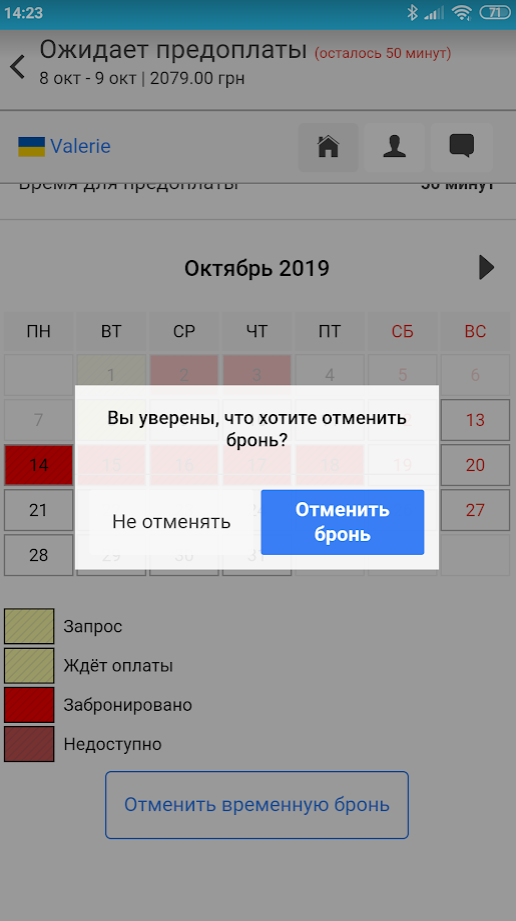
After that, you will receive a notification that the reservation has been canceled and the Update calendar button at the bottom of the page to avoid such situations: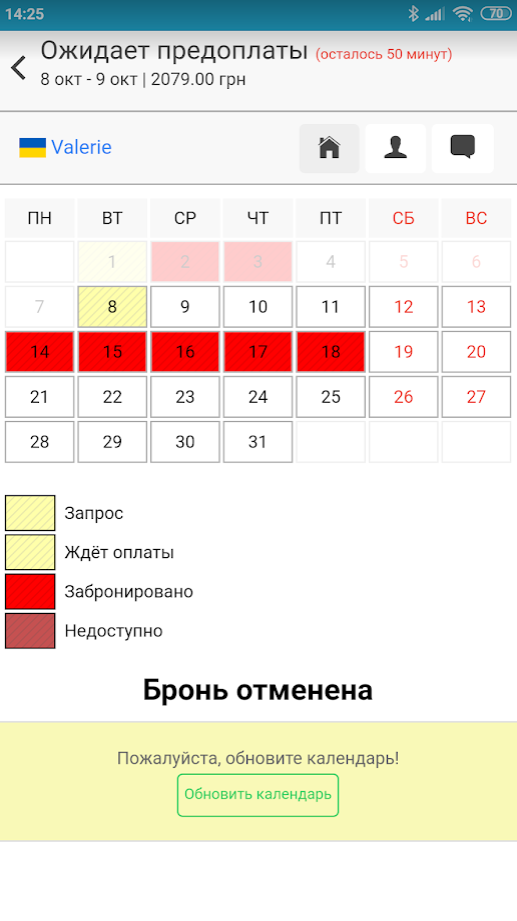
Select the required dates in the calendar: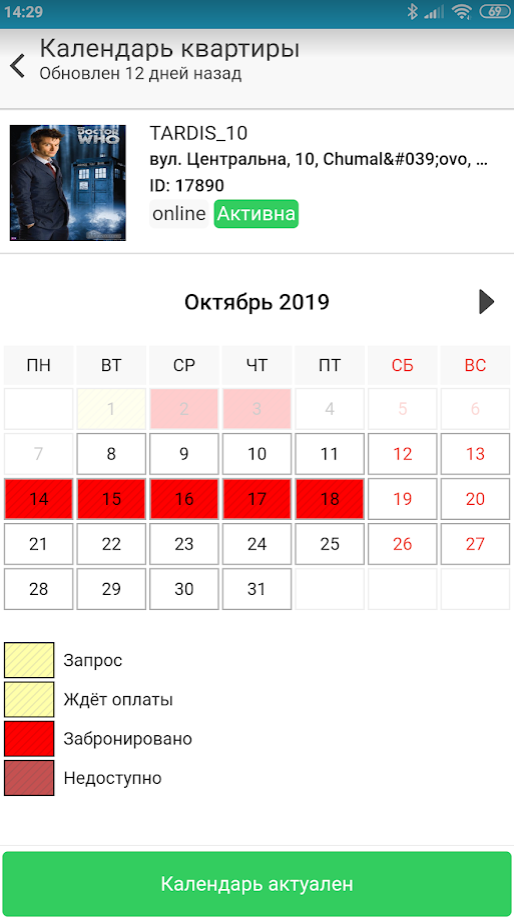
Note the availability of the apartment or change its price/minimum number of nights for booking, and click Calendar is relevant: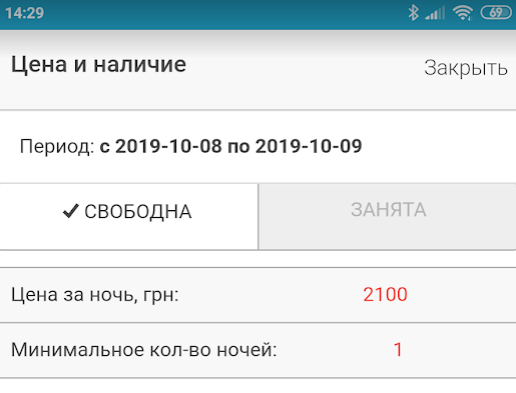
After that, you will see the Calendar is updated message. Now you can receive new orders according to current parameters or not receive them if the apartment is not available for this period:
Reminder! Cancellation of a pending order does not entail any penalties but negatively affects the rating of the apartment on the site!


