How to set offers for specific dates in a mobile application?
In order to set a hot offer for specific dates click on “More” button in the lower right corner and then select “Offers” section.

Next you need to choose the apartment for which the promotional price will be set from the list.

To do this, check the box next to the name of the apartment from the list.
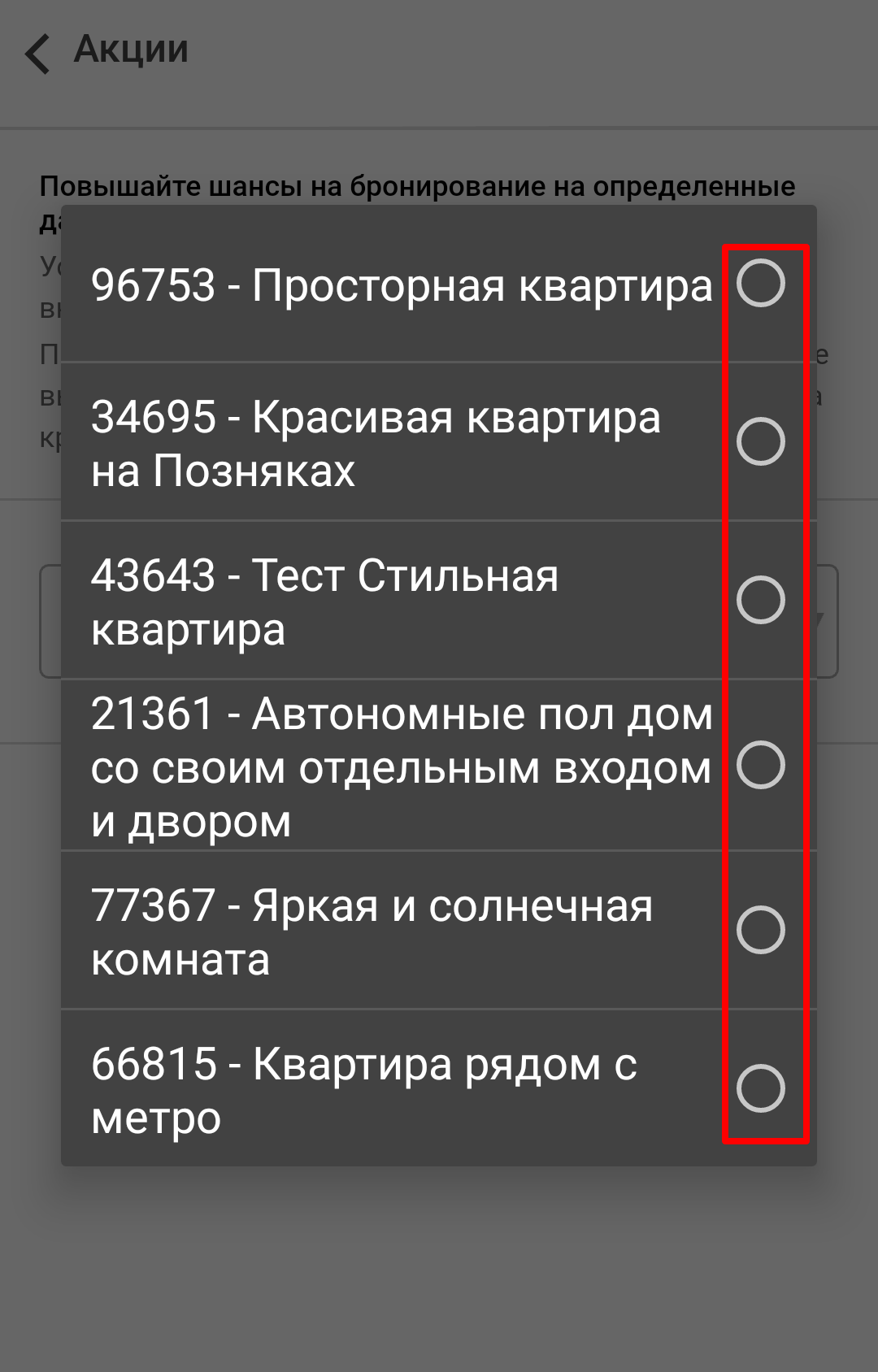
After selecting an apartment – press “Add offer” green button.

The application also offers you to set offers for the coming dates – Today, Tomorrow, The day after tomorrow:
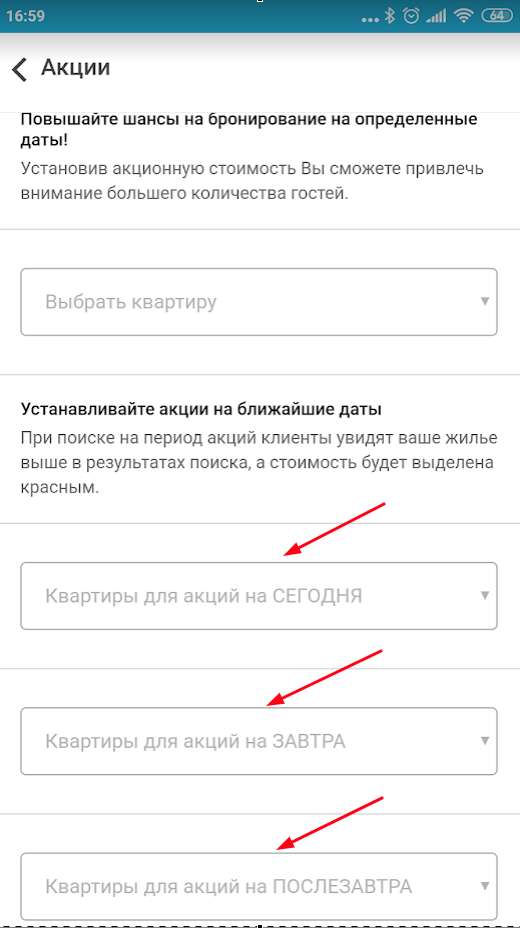
When setting offers for the coming dates, you will see in the drop-down list those apartments that are available for the selected period:
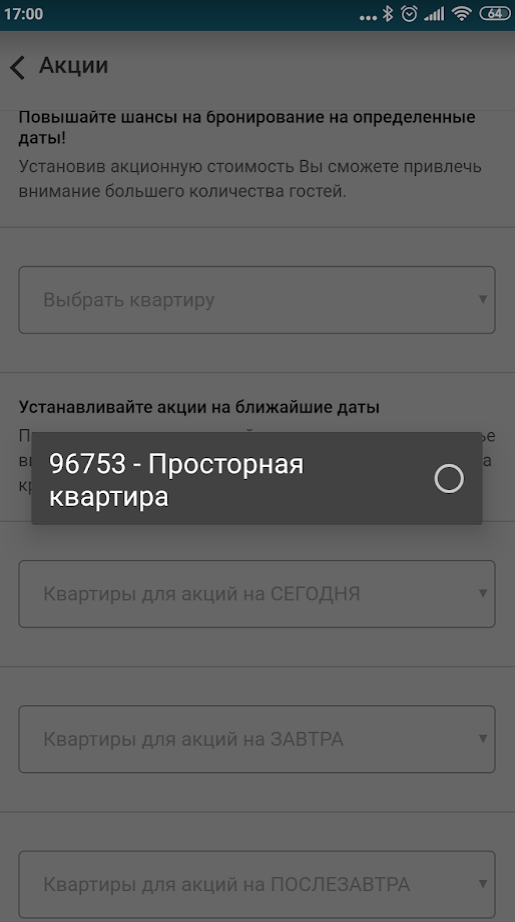
Select the date period in which the offer will take place in the calendar on the new page, then tap “Price with Dobovo commission” field.

Enter the new cost in “Price per night” field (the price should be less than usual, even if the difference will be insignificant).
Here you are invited to use the automatic price reduction. You will reduce the cost by a specified percentage by pressing one of the buttons (-5%, -10%, – 15%).
Click “Install” button after entering the data.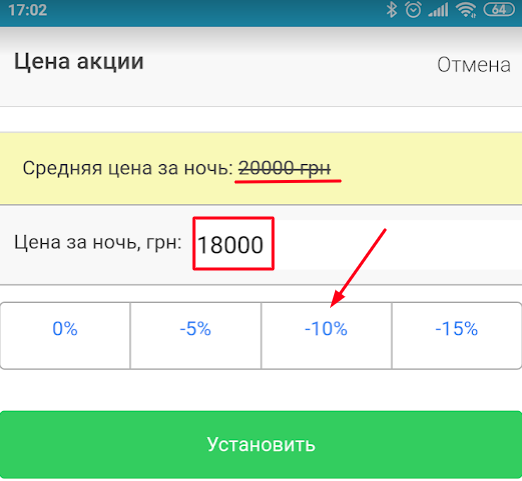
After that, you will see a message about the successful addition of the offer.
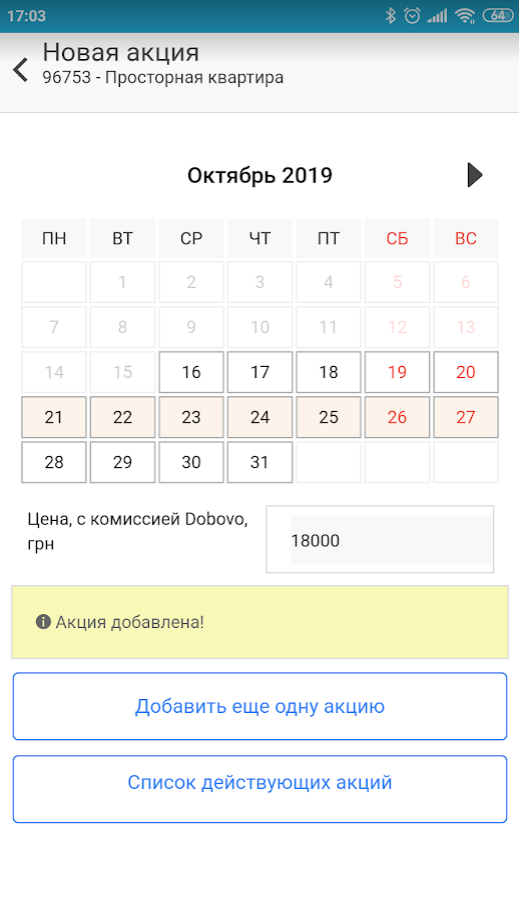
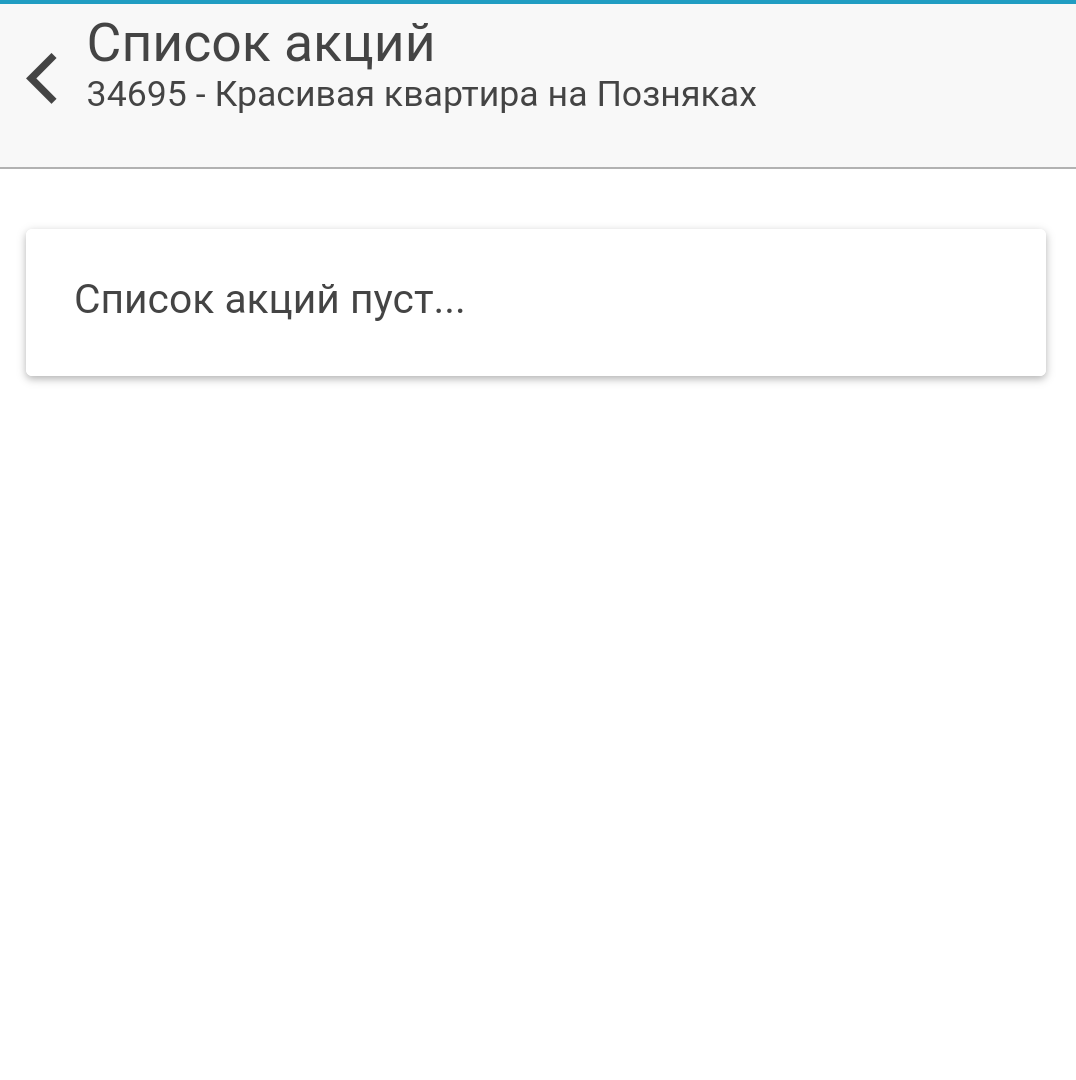
In order to view all the offers in the apartment – click on “List of current offers”. Here you can, if necessary, delete the offer by clicking on the image of the basket.
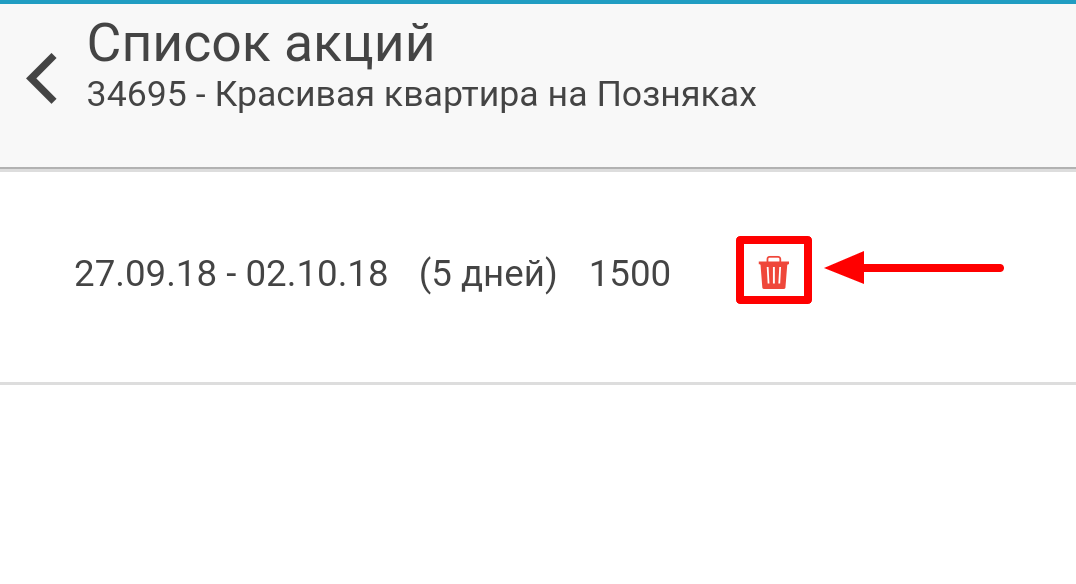
You will need to confirm the deletion at the bottom of the page.

ATTENTION:
If you try to set an offer for example for 2 nights, but you initially indicated the minimum number of nights for booking in the apartment settings – 3 nights, the system will warn you that the minimum number of nights for booking will be overwritten for the specified period according to the established offer.


