Can I change the prices in the Dobovo.com application?
Yes, for this it is necessary to select the My apartments section, and then directly the apartment, where you need to change the prices for a particular date.
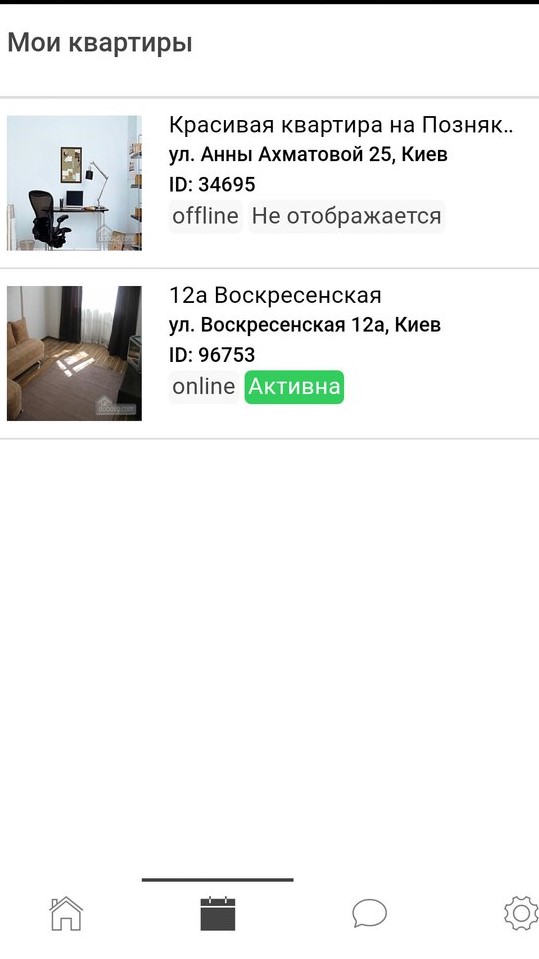
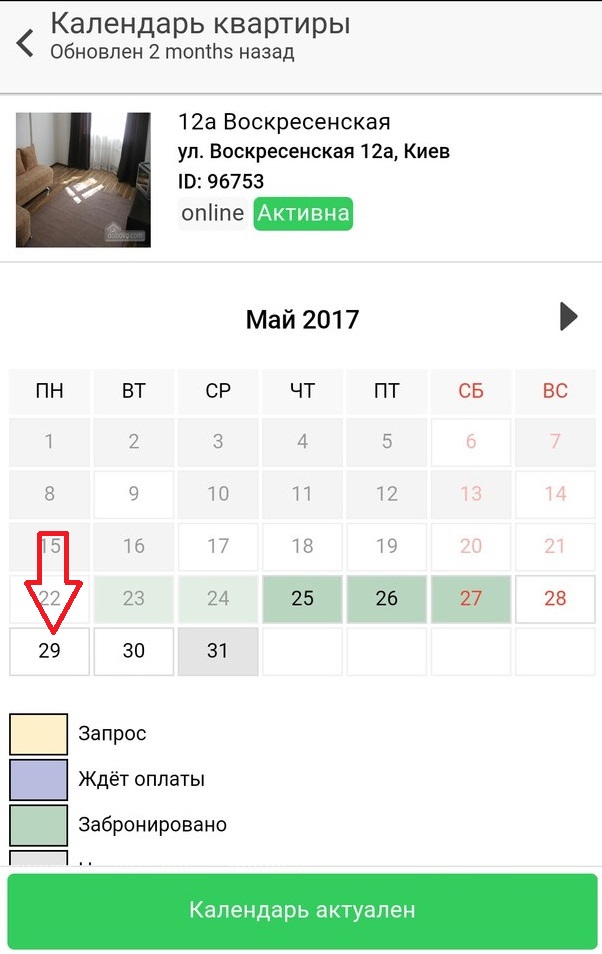
After choosing an apartment you will see a calendar of availability in the opened window.
In order to change the cost for one specific date – click on the date twice.
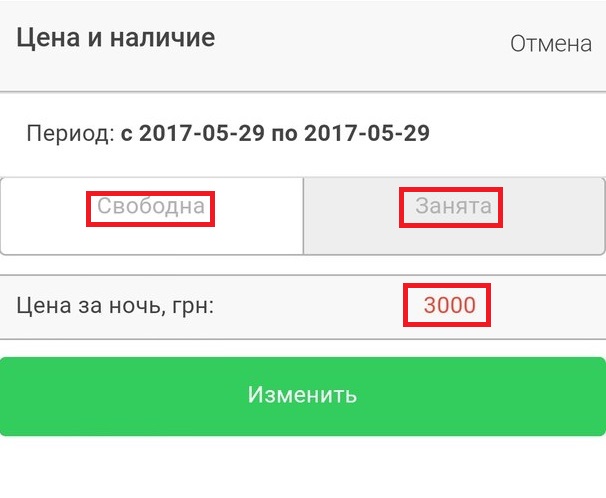
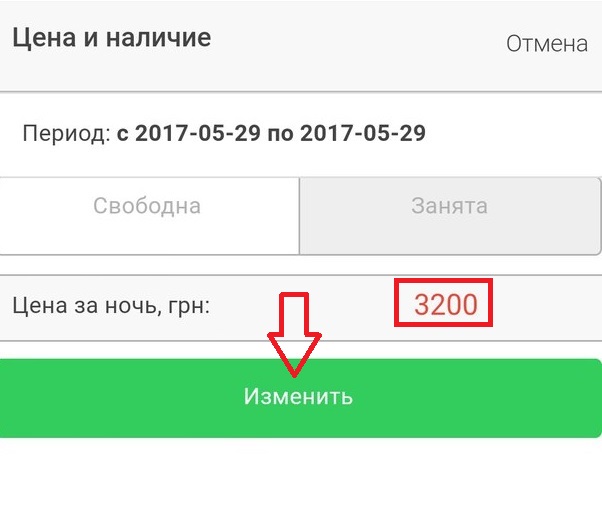
After clicking, you can specify a new cost in a new window and also select the date status (free/busy).
Click once on the price of the apartment indicated at the moment, and in the next window enter the new cost by clicking the “Apply” button.
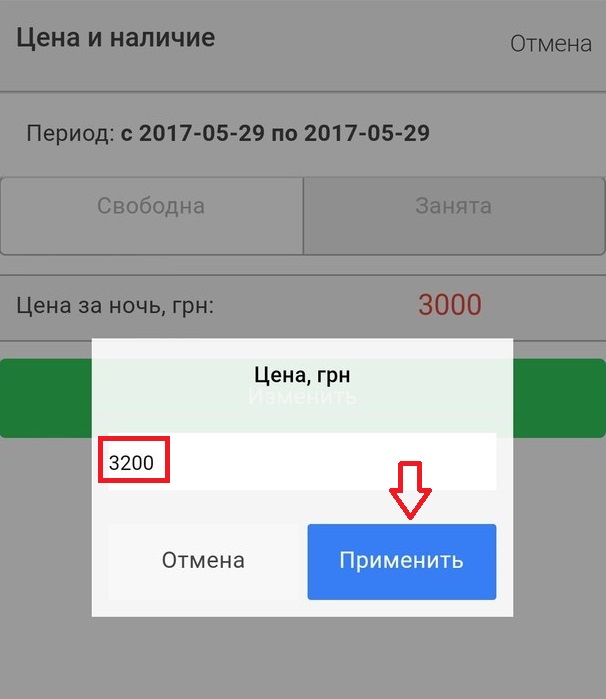
After that you need to confirm the action by clicking the “Change” button in the previous window.
In order to change the cost for a certain period of dates – click once on the first date of the period and then once on the last date, then do the same actions described above.


