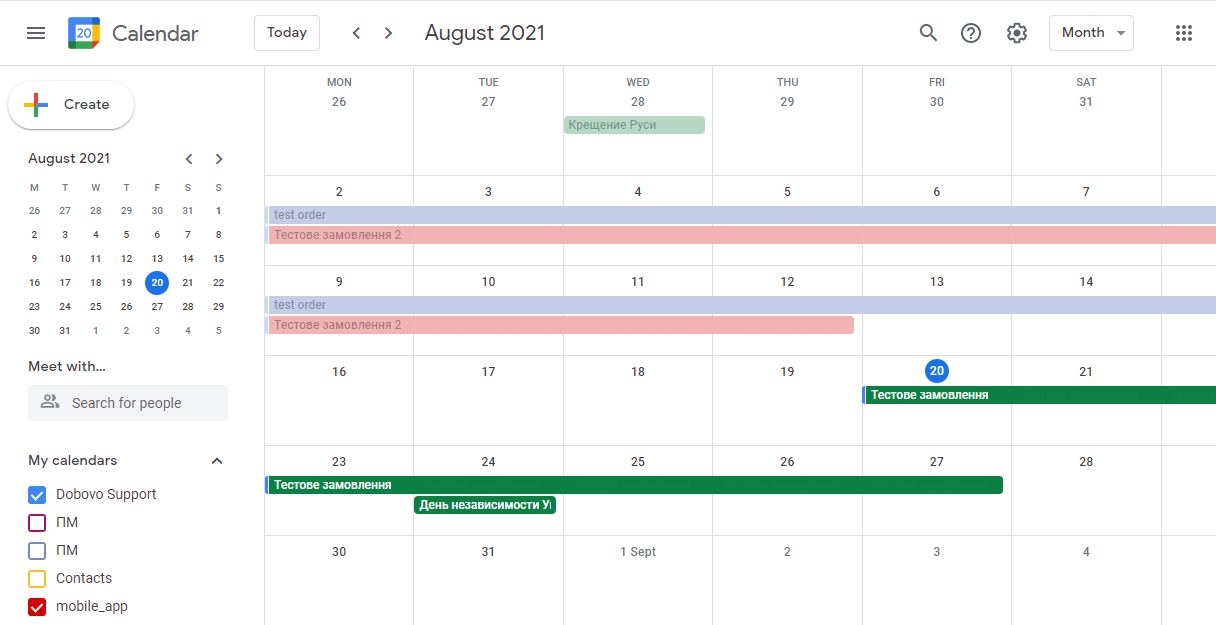
How to manage schedule in google calendar?
To fill the schedule on Google calendar for every booking you have to create an “Event”.
Google Calendar edit on the computer:
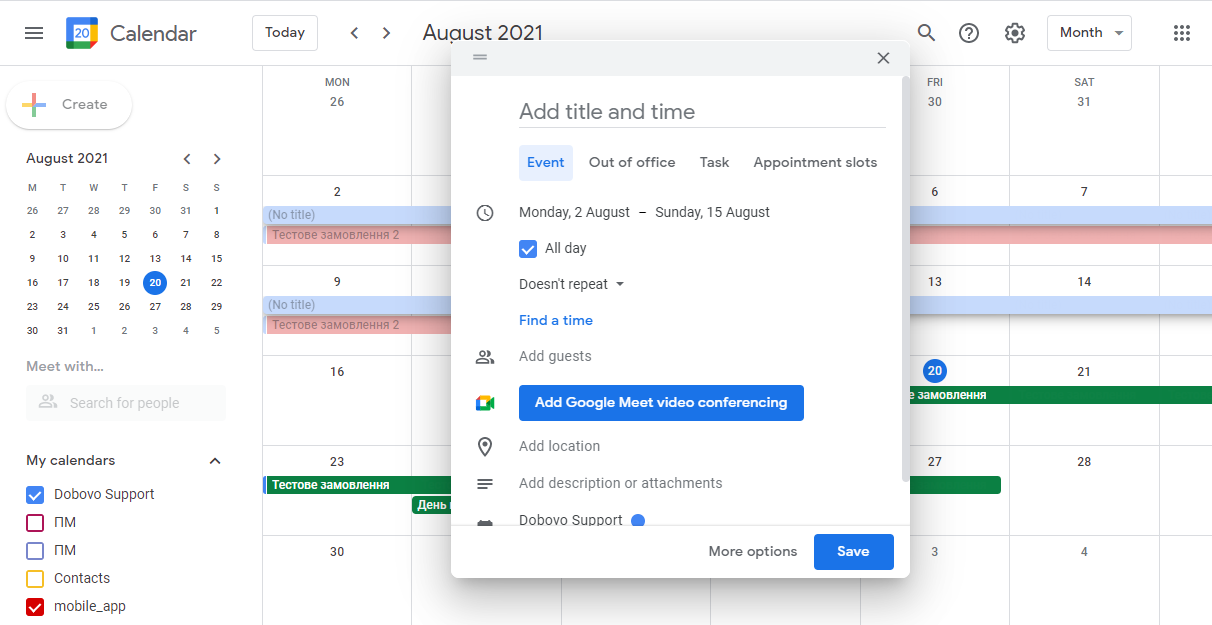
When you create an event you should specify:
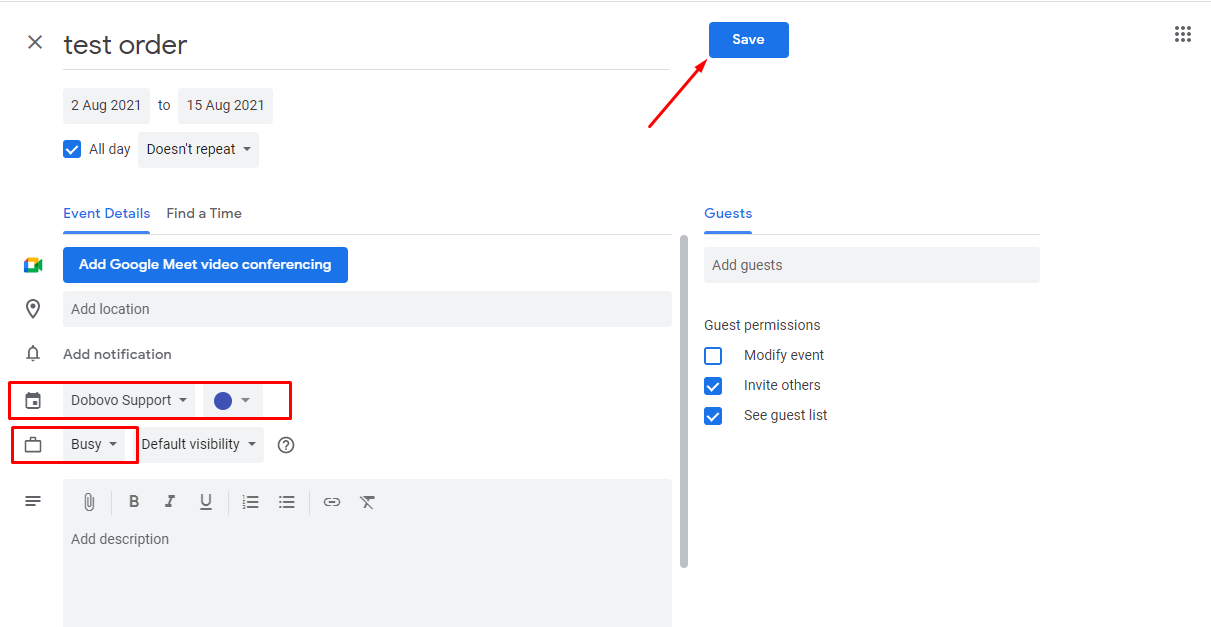
- Name (guest’s name and contact information, payment amount). We created the calendar with limited data for exports (by selecting “Open access only to information about available or not available time (hide details)”. You can write the names and contact customers directly in the “Events” – the data will not be transmitted while exporting. You will be able to see all the contact details when viewing calendar from phone.
- Select a calendar in the apartment in which reservation was made.
- To note that the apartment will not be available for chosen dates.
- Save event on the calendar.
You can view the calendar separately for each apartment and in general.