How to set the language for SMS and e-mails?
You can choose the language in which you will receive notifications from the Dobovo.com.
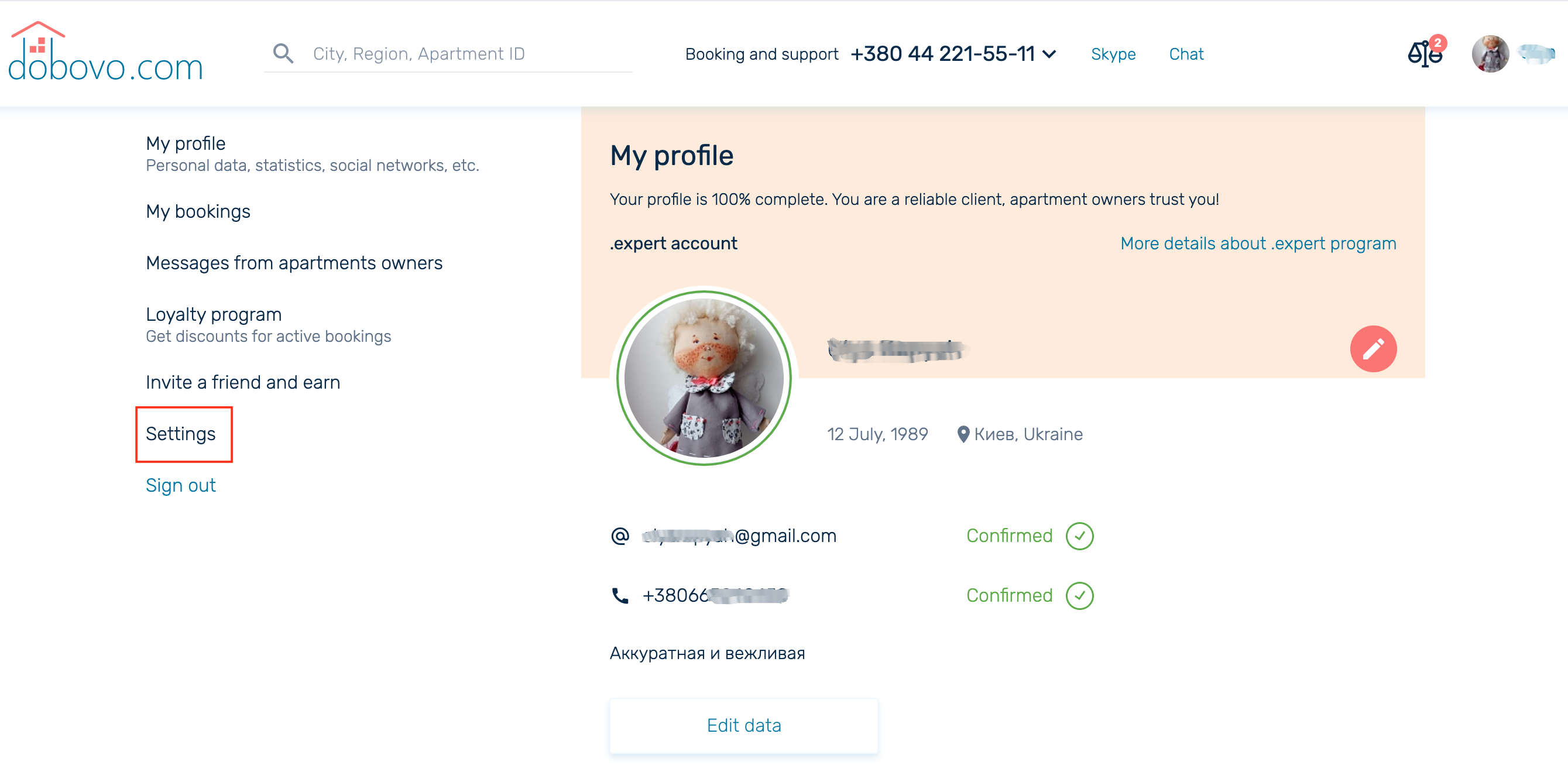
If you want to do this, log in to your account, go to My profile box, then Settings:
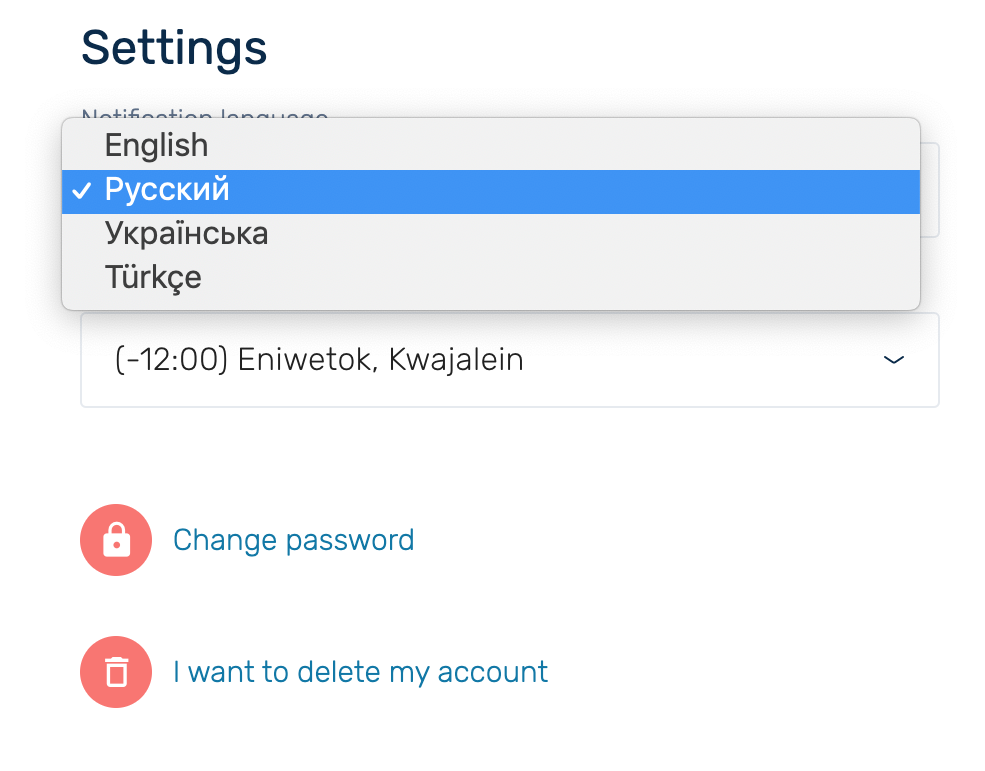
On the settings page you can select the language of email notifications:
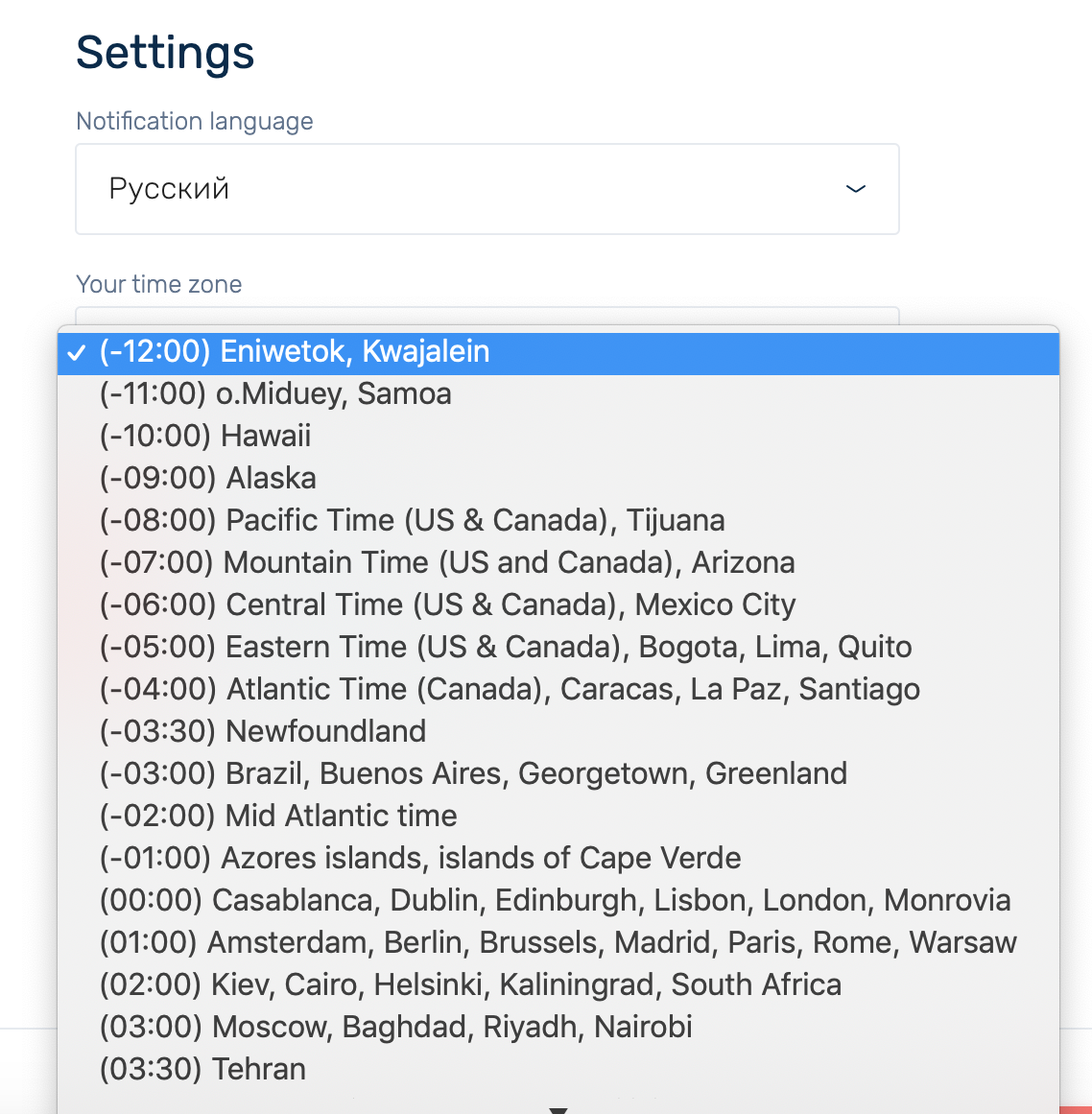
Also, on the settings page you can choose a time zone for the correct time displaying in notifications:
Read why you should create a personal account on dobovo.com here.


