How do I book an ‘Online’ apartment?
‘Online‘ booking type is available for the apartments with an up-to-date availability calendar, confirmed by the owner.
Such apartments are displayed on the website with the Instant booking button. If you see the Booking upon request button, then this apartment requires additional clarification of its availability from the owner.
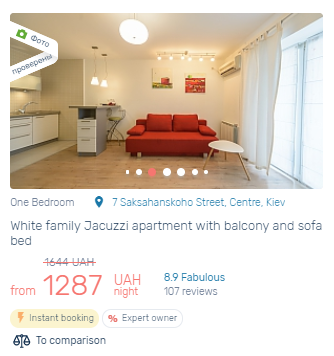
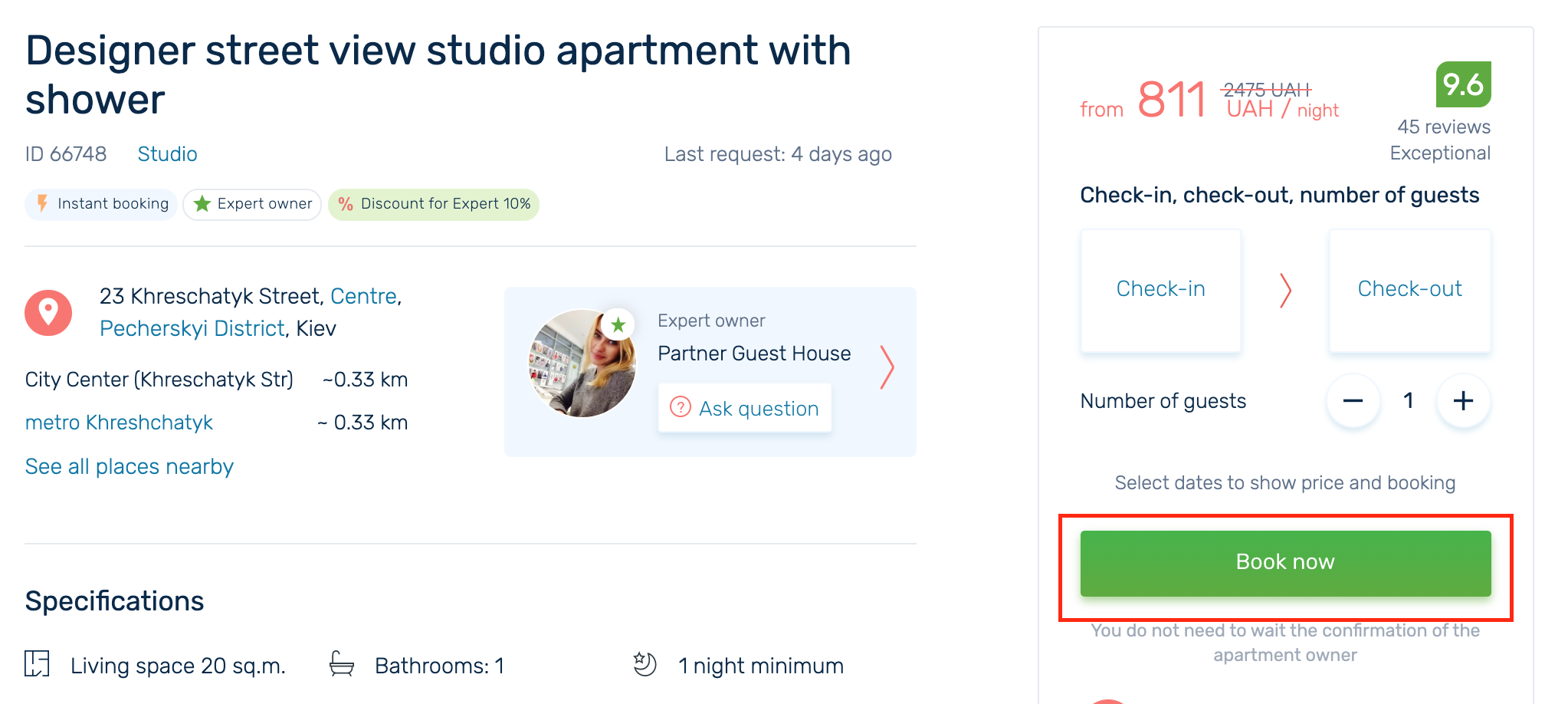
To book an apartment you need to choose the dates and click Book now button:

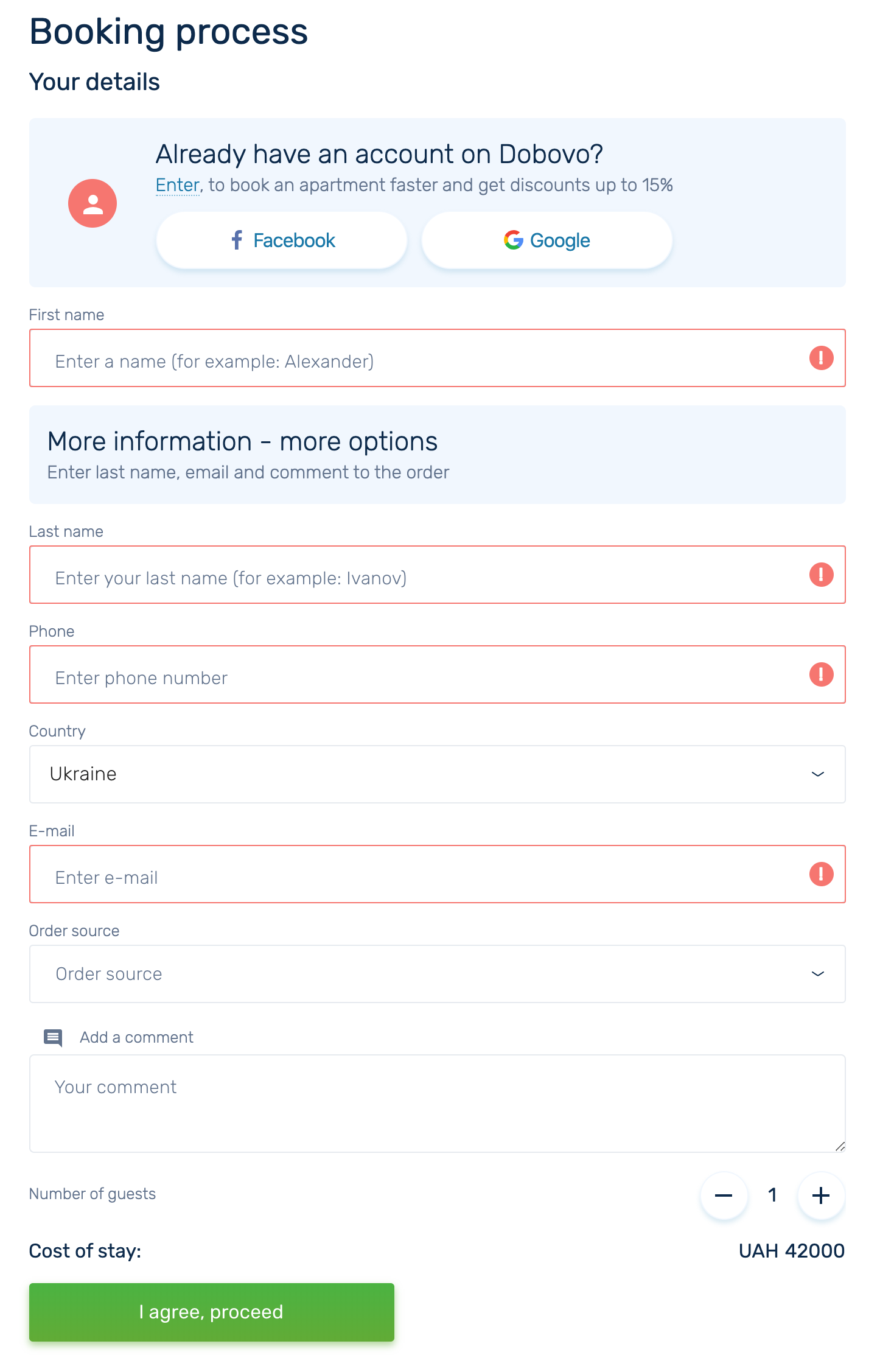
Fill out the Booking Form if you are not a registered user:
If you are already a registered user on Dobovo then your data will be added automatically and you need just click on I agree, proceed button:
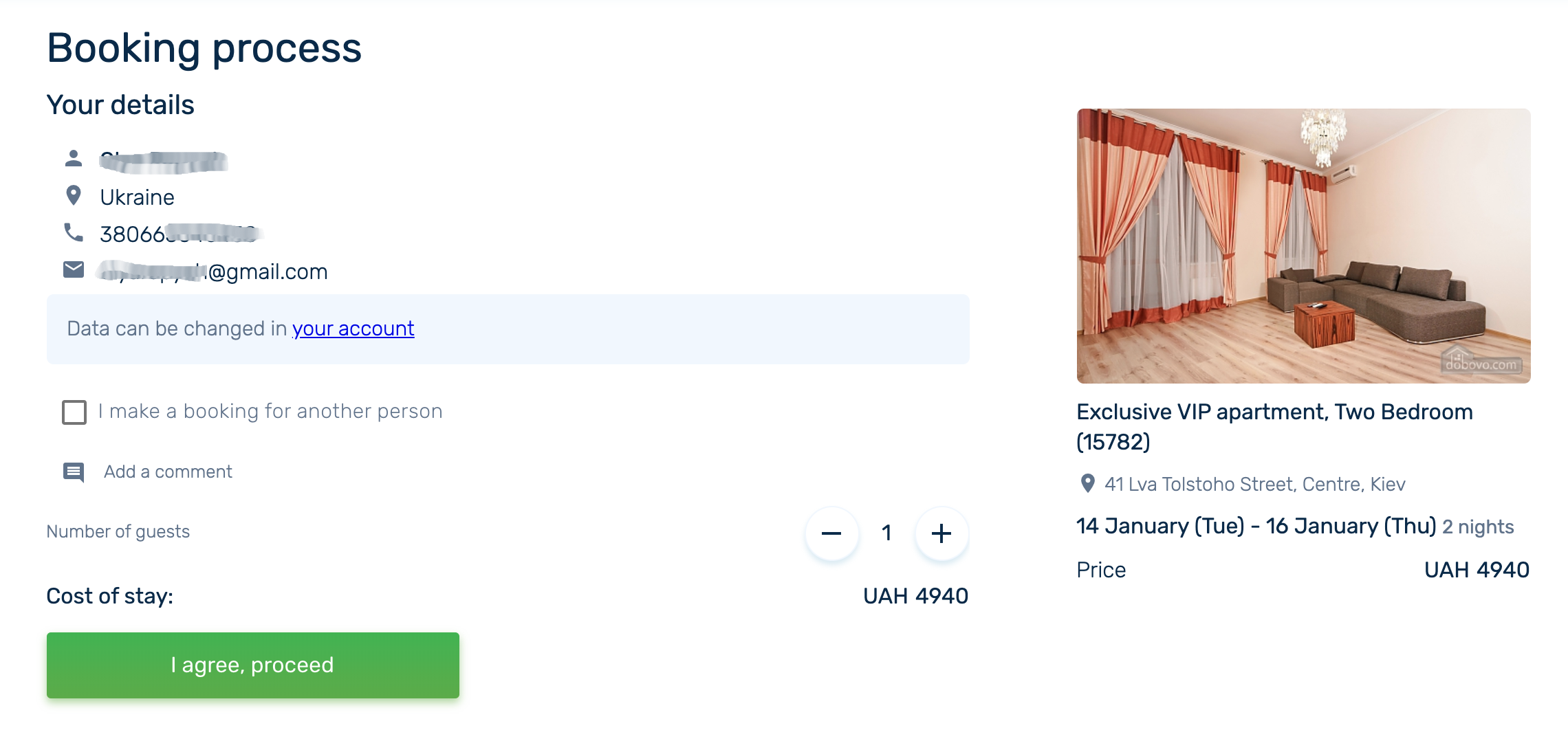
Then you will be shown with the page where you can once again get acquainted with the house rules, details of arrival and housing features:
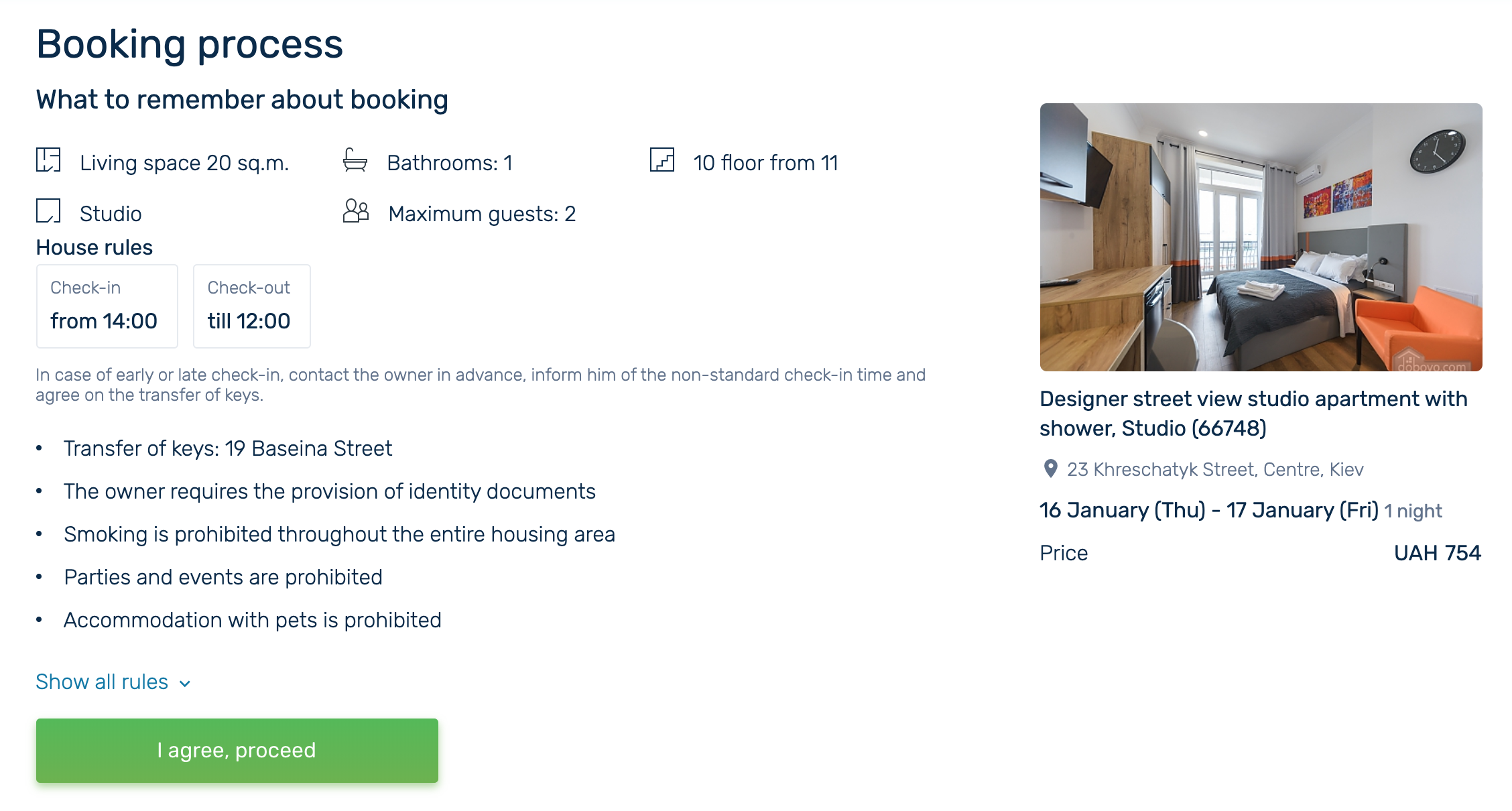
After clicking on I agree, proceed button you will be shown with the booking payment page. Here you can make a prepayment in a way convenient for you – online or in cash:
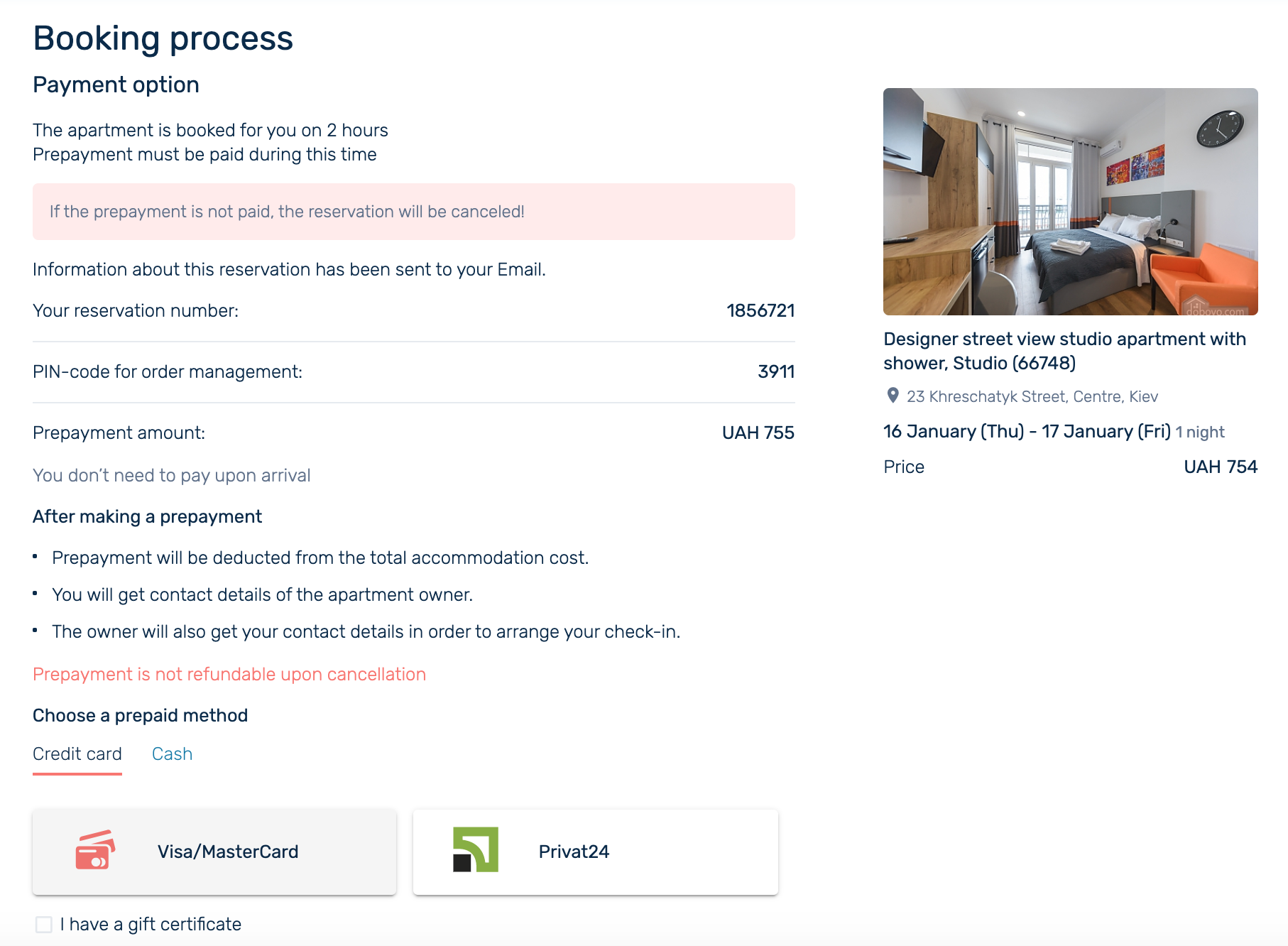
The order will be confirmed after making a prepayment, and you will receive the contacts of the apartment owner.
The apartment is booked, you are amazing!


