How can I see all the owner’s apartments?
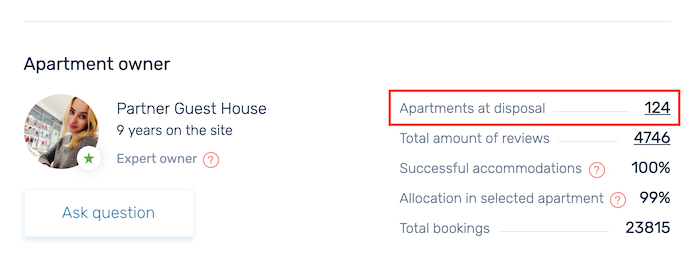
The owners can post an unlimited number of apartments on Dobovo. You have the opportunity to view all the apartments of one owner. To do this, click on the number in the Apartments at disposal line which located in the block with information about the owner on the page of the apartment:
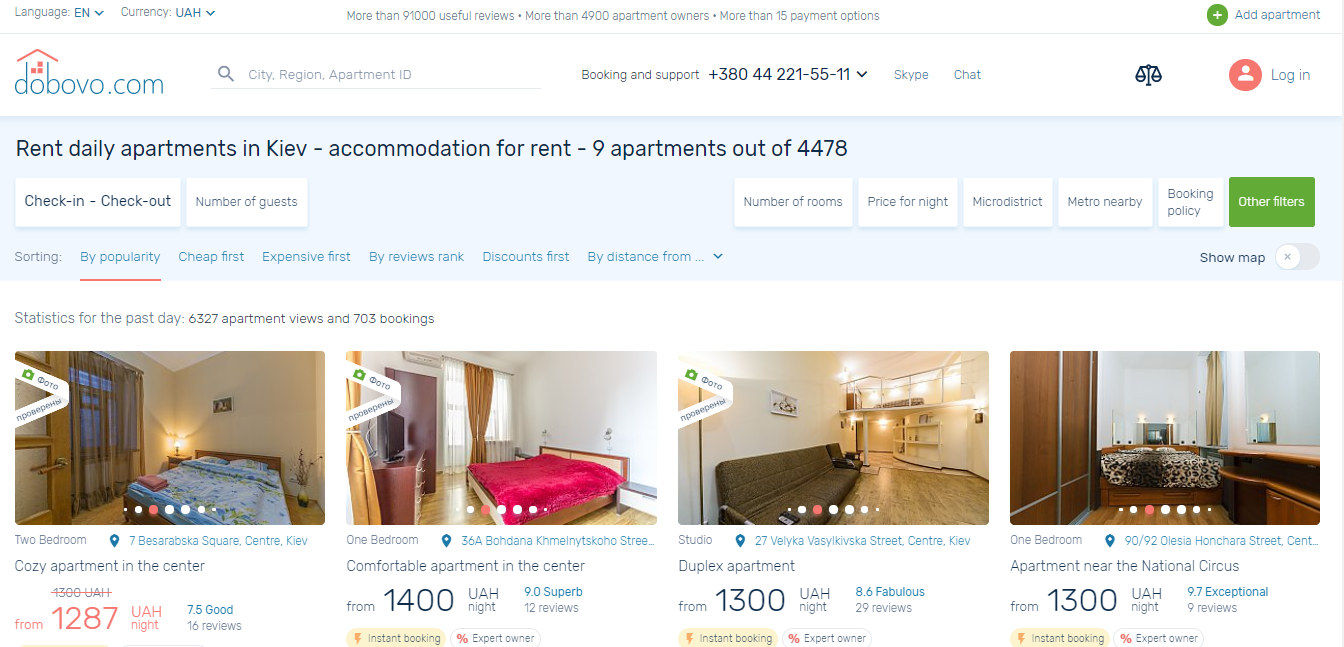
All the apartments of this owner will open in a new window:
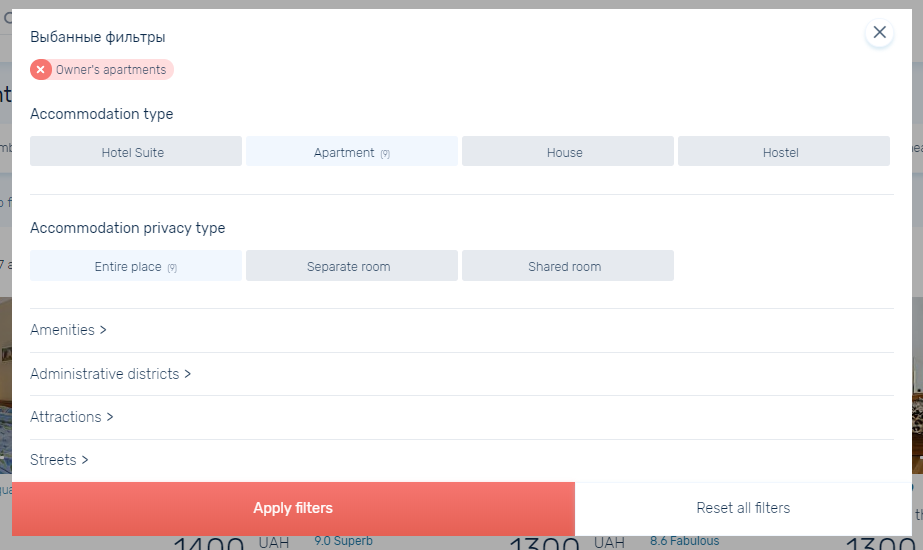
Remove the owner filter in the Other filters by clicking on the Reset all filters button or on the cross near the owner’s name.